
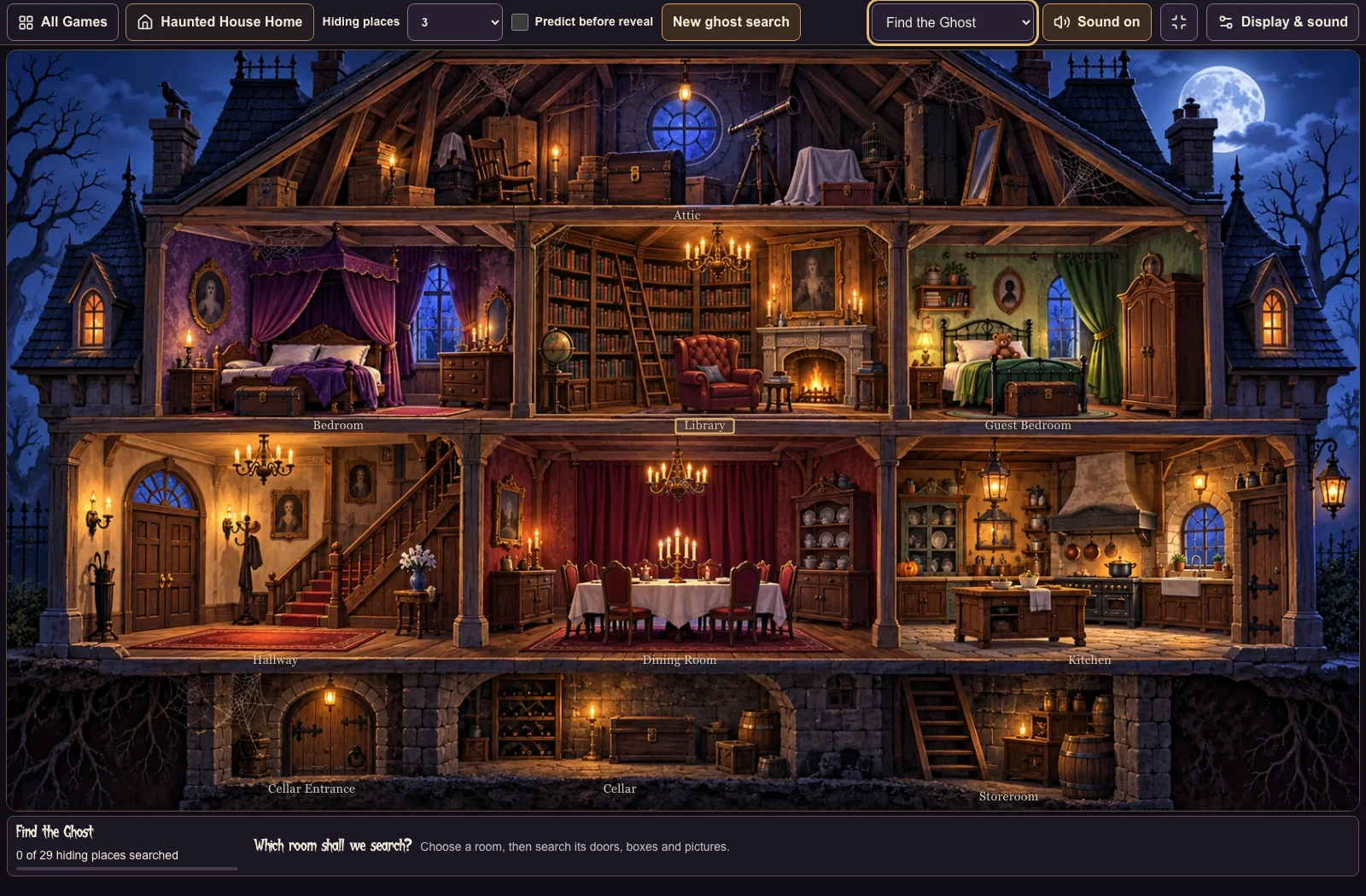
A chest in the bedroom. A portrait on the wall. A cupboard that has not been opened yet. Each one gives the class a reason to decide where to look—and something to say before the next click.
Haunted House in PeraPera Play brings that idea to a Halloween-themed mansion. It includes five activities: Find the Ghost, Trick or Treat, Who’s Missing?, Where is it?, and Make a Scene. Here is one practical way to use it for teacher-led speaking on a shared screen.
Start with one rule: say it before you click
Open Haunted House, enter the mansion, and choose Find the Ghost. The whole-house view lets students choose a room. Opening that room gives you a closer view of the places they can search.
- Choose a room. Ask, “Which room shall we search?” Accept a room name or a sentence such as “Let’s search the bedroom.”
- Choose a hiding place. Ask students to name it before you reveal anything: “Open the chest,” or “I think it’s in the chest.”
- Click and check. Open the chosen hiding place, then describe what appeared. If it is not the ghost, let the next student or team suggest another place.
The teacher supplies the speaking rule. The game supplies the scene and the reveal. A student can make a useful language contribution even when their prediction is wrong.
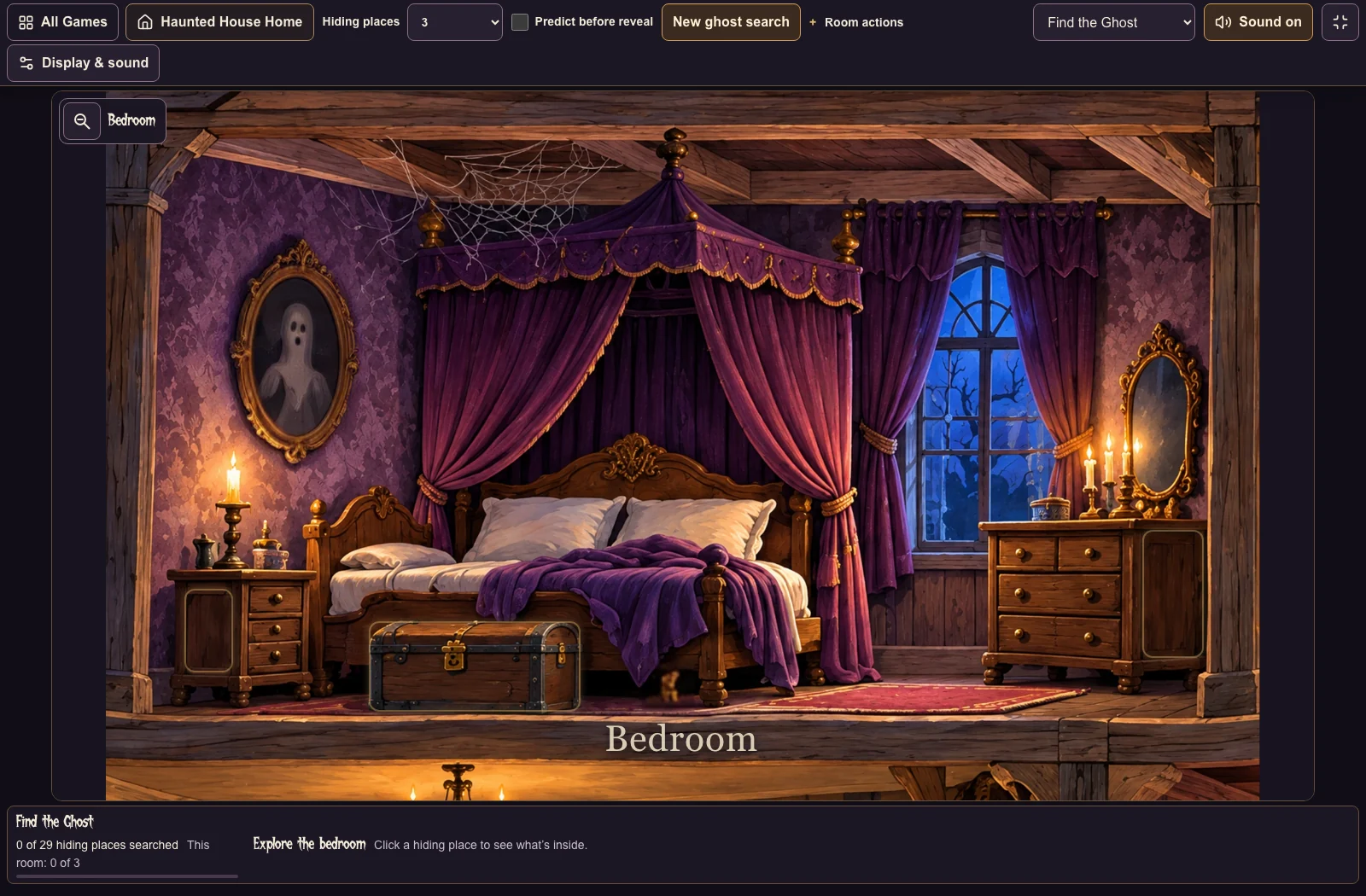
Teacher: “Where do you think the ghost is?”
Student: “I think it’s in the chest.”
Teacher: “Let’s look.”
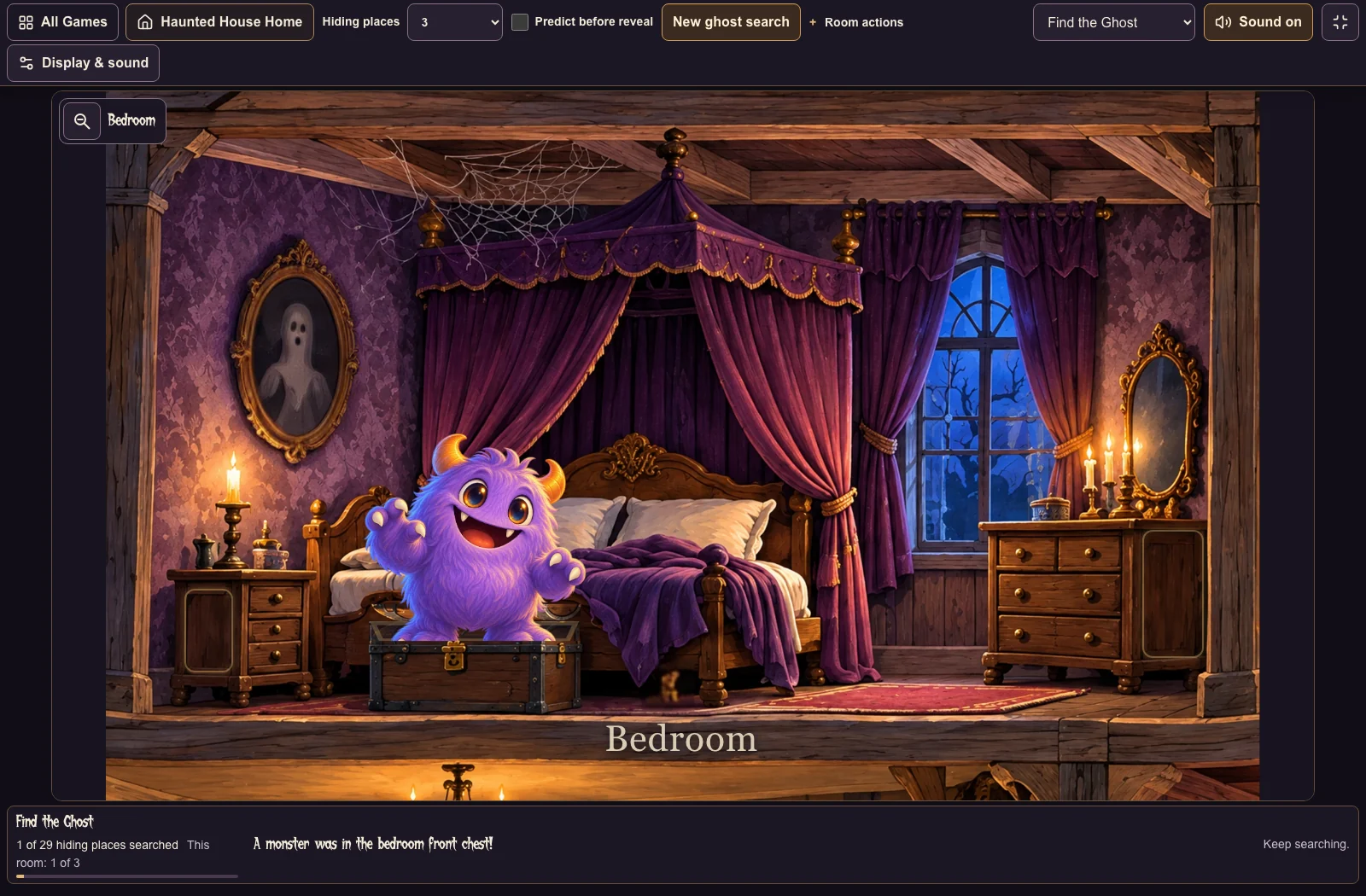
In the captured round below, opening the chest revealed a monster. A follow-up could be: “It’s a monster! Where shall we look next?”
Keep the game; change the language you ask for
Choose one language target before starting. You do not need every student to produce the same length of answer.
- Room words: “Bedroom.” “Kitchen.” “Library.”
- Location phrases: “In the chest.” “Behind the picture.”
- Full predictions: “I think the ghost is in the bedroom.”
- Requests: “Please open the cupboard.”
- Follow-up questions: “What did we find?” “Where should we look next?”
For a class that needs more support, write two or three sentence starters on the board. For students ready to say more, ask them to explain their choice before you click. These are teaching suggestions, not automatic speaking assessment by the game.
Use the other activities for a different kind of turn
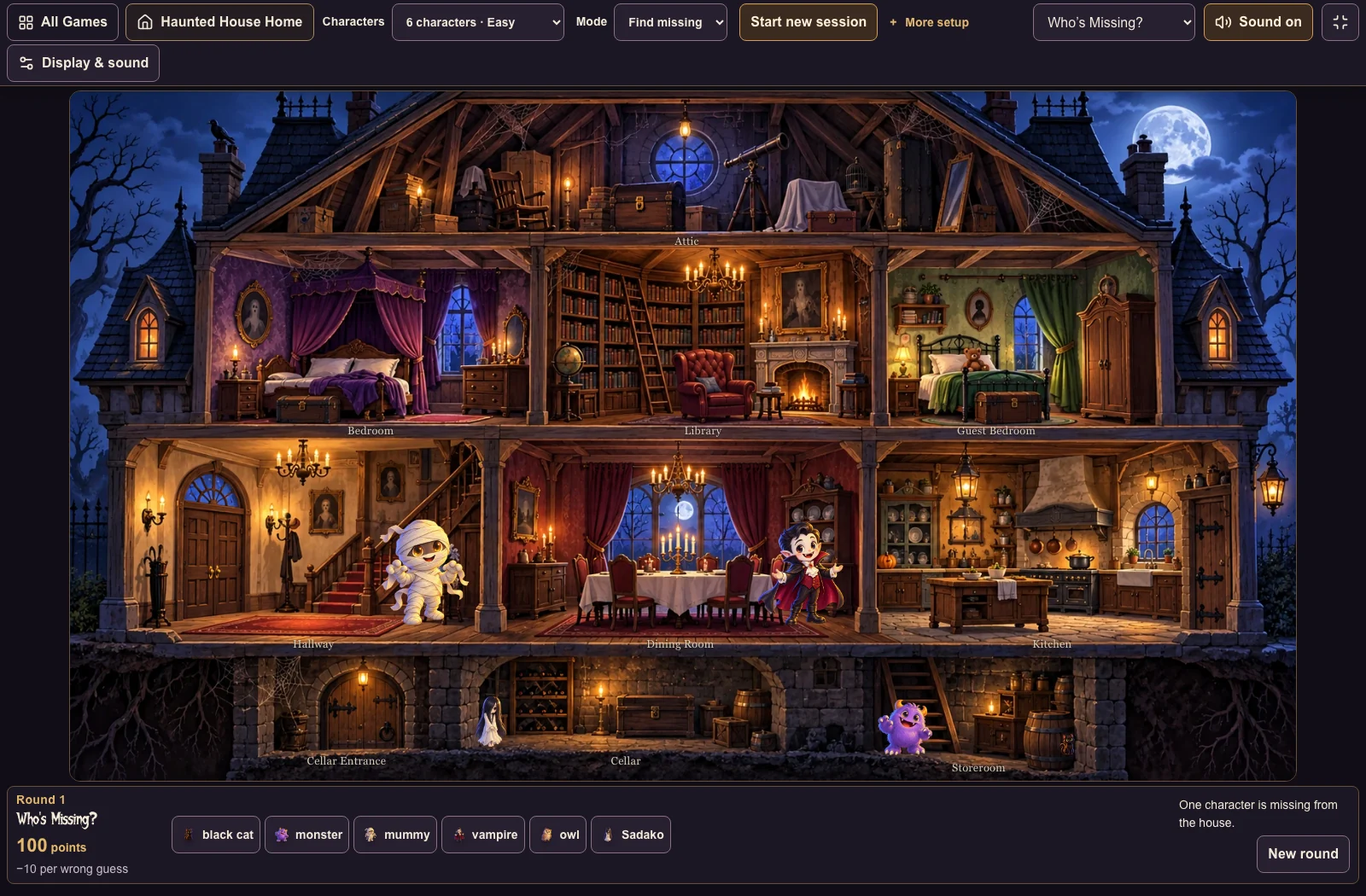
Who’s Missing? changes the task from searching hiding places to comparing the characters in the house with the choices below it. Ask students to say who they think is missing before selecting an answer. To extend the exchange, ask where they can see one of the characters who is present.
Where is it? focuses on describing locations. Make a Scene lets you arrange characters and objects for your own scene. Trick or Treat asks players to choose a container and discover a surprise. You can switch activities from the selector at the top of the game.
Keep the speaking task clear when you change modes. For example, ask for a location phrase in one round and a complete prediction in the next. A change of activity does not have to mean a whole new set of instructions.
Keep the teacher in control of the pace
Run the game from your screen and give students time to talk before each selection. You can take turns around the room, invite pairs to agree on a prediction, or ask a team spokesperson to answer. Preview the scenes and sound settings before class so you can choose what suits your learners.
You can also try the same routine without a device: draw a few rooms on the board, put a hidden character card behind one of them, and ask students to name a room before you turn it over. The useful teaching move is the pause for language before the reveal.
Try a round before your Halloween lesson
Start with Find the Ghost. Choose one room, one hiding place, and one sentence you want students to say. Then try the other activities to see which fits your class.
The images in this article are screenshots of the live game captured on October 18, 2026. The sample classroom dialogue is a suggested teaching routine, not a recorded classroom conversation.