
🌱 Founder availability is checked live — ¥5,000 before tax / ¥5,500 total. See plans ↓
Keep learning going between lessons

Turn every lesson into review students can actually use.

PeraPera Memo helps any teacher share what was covered, assign focused practice, and give students an easy way to review throughout the week.

No student app install
English & Japanese
LINE integration
Private student links
PeraPera Memo for Teachers - Homework and lesson tracking for English teachers & students | Product Hunt
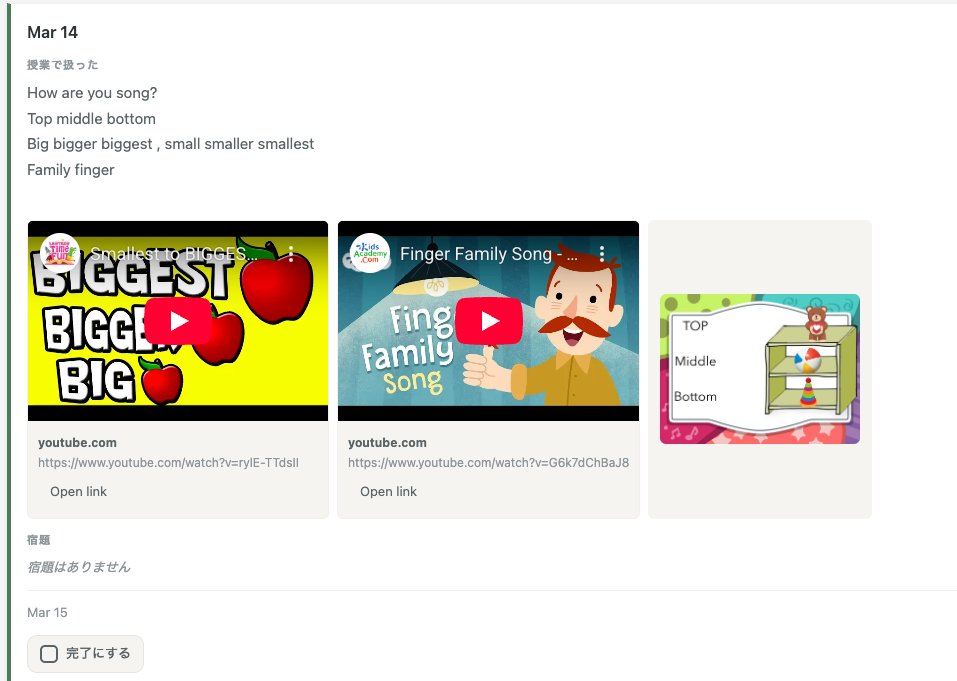
Student lesson review feed
🔍 Tap to enlarge
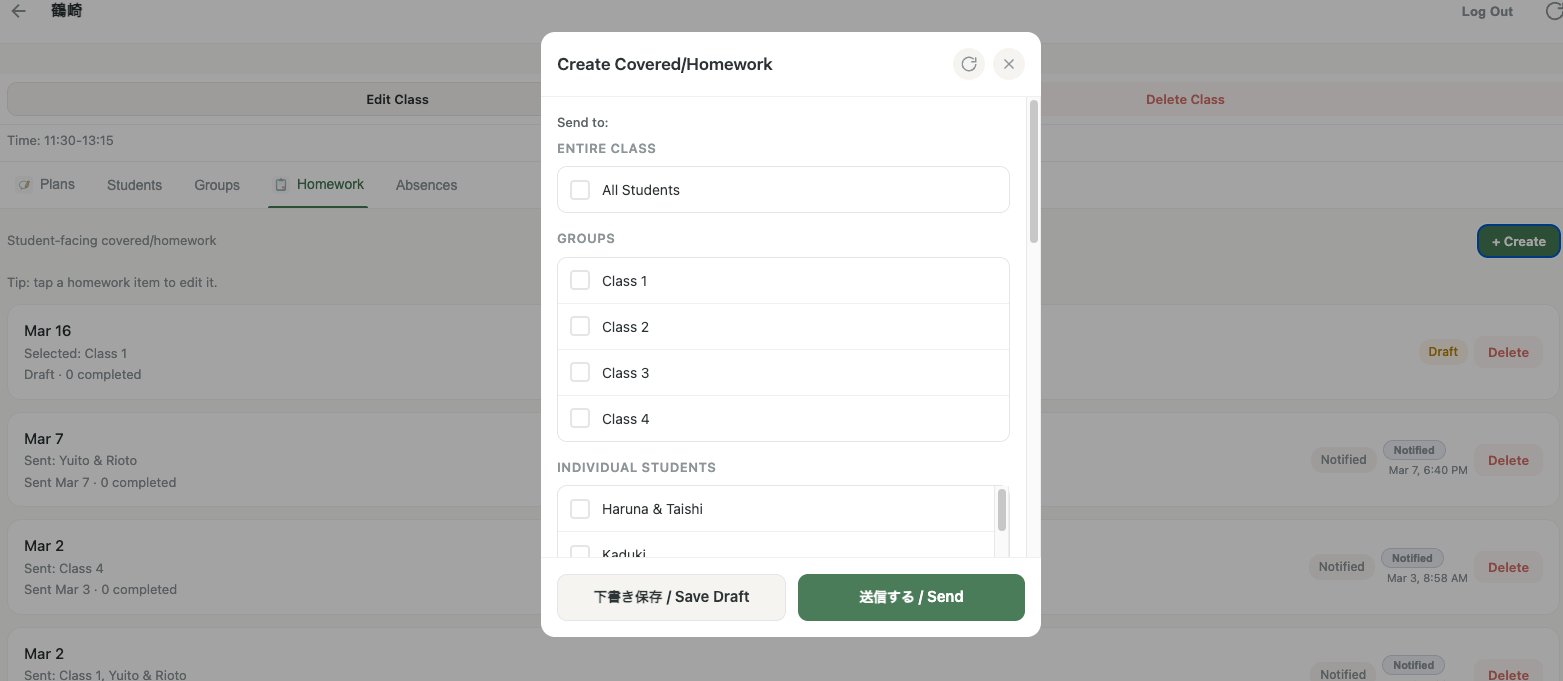
Teacher homework creation screen
🔍 Tap to enlarge
Fast
Lesson log entry
0
Apps for students to install
EN / JP
Bilingual text fields
¥5,000
Founder monthly rate

Up and running quickly

No training sessions, no IT setup. Teachers learn the full workflow fast.

1

Set up your classes

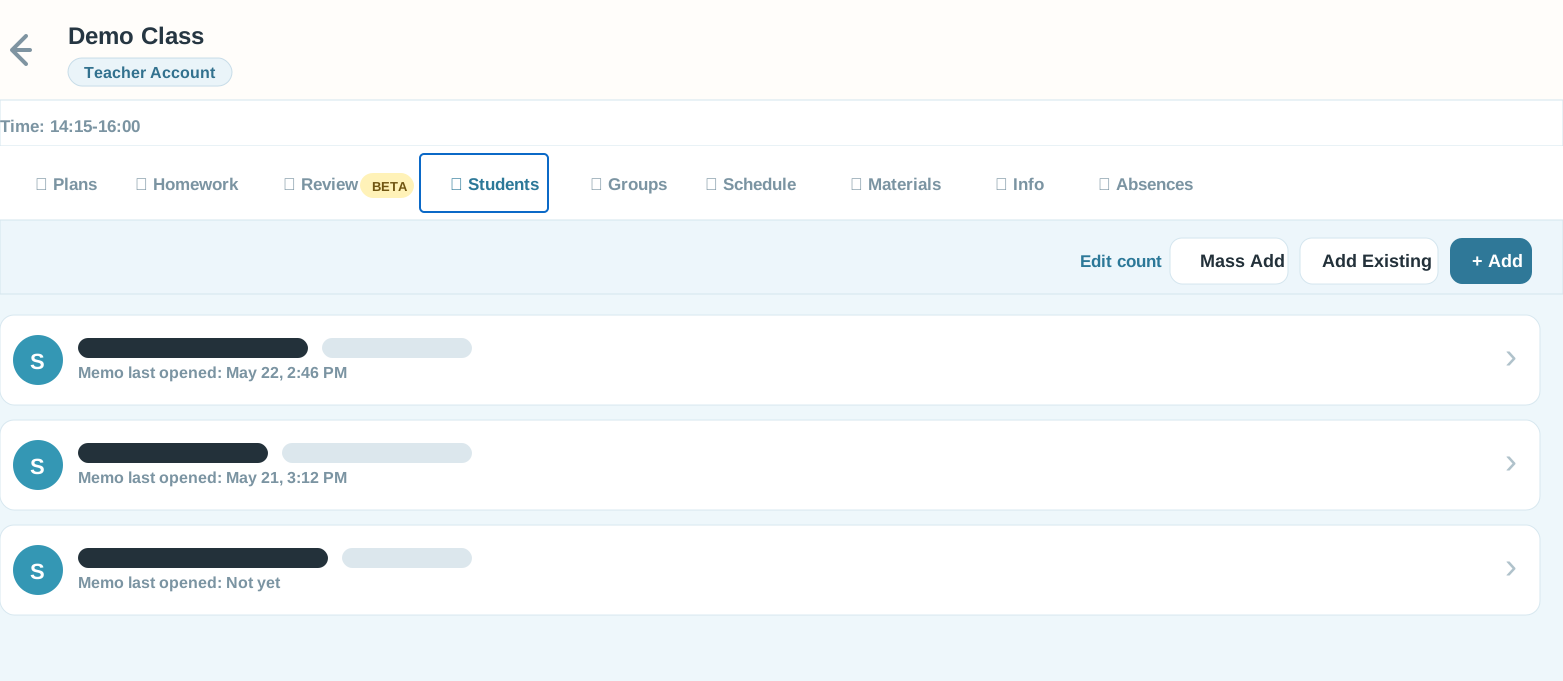
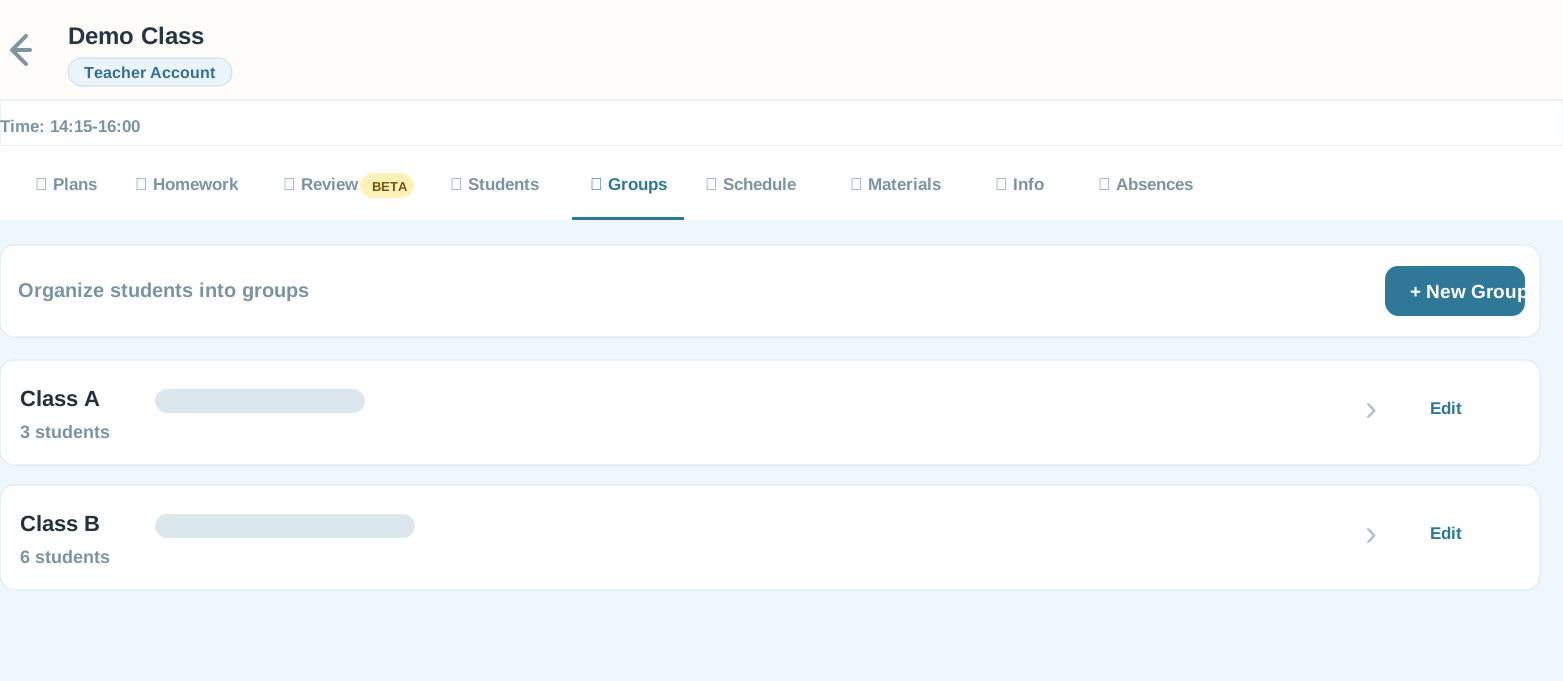
Add your classes, groups, and students once—whether you teach independently or as part of a school.

2

Log after each lesson

Record covered material, assign homework, mark absences. Short, repeatable entries after each lesson.

3

Students keep reviewing

Each student opens a private link—no login or app—and sees what was covered, what to practice, and what is due. Families can follow along when helpful.

More than a homework board

Posting homework is easy. Building a clear loop where teachers can reuse material and students know what to review between lessons is the hard part.

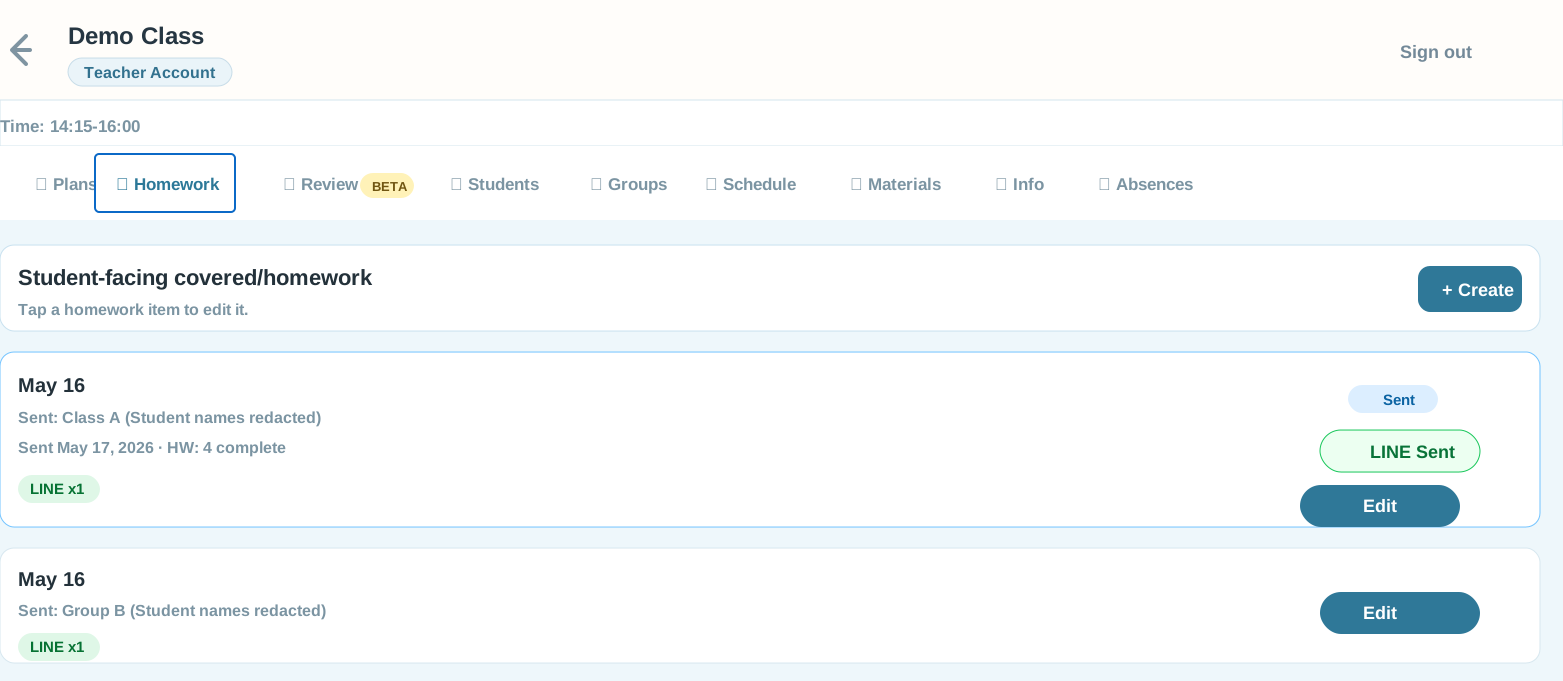
Class-ready posting Send by class, group, or individual student with a simple student-facing feed.
LINE delivery Optionally push reminders to students or families where they already check messages.
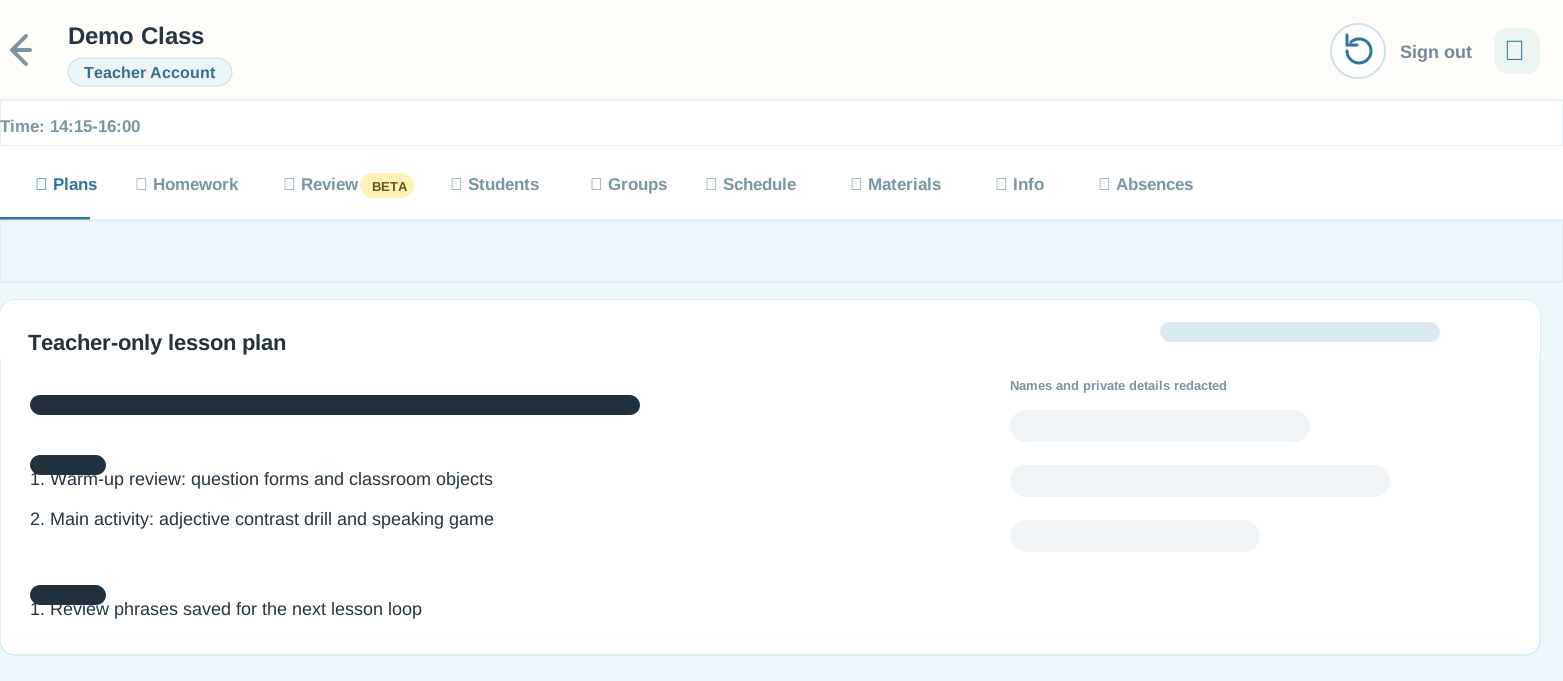
Teacher continuity Keep plans, review loops, materials, and schedules tied to the class.
Flexible teaching setup Works for independent teachers, tutoring programs, and multi-teacher schools.

Screenshots are anonymized for public sharing.

Plan faster, then let students practice.

Two teacher-side AI assist workflows help turn lesson notes and topics into usable materials. Play Mode turns the final practice into quiz, memory, speaking, and flashcard games students can open from home.

AI Assist mode 1

Homework AI Tools

Draft next steps, review sheets, or free-form student text from rough notes. You choose what to insert before anything is posted.

  • Suggest Next uses recent homework and review timing.
  • Review Sheet formats phrases, practice, and tasks.
  • Free Write handles translation, rewriting, or quick examples.
AI Assist mode 2

Play Mode item builder

Give the app a topic or source material, review the suggested words and sentences, then add images and save a reusable game.

  • AI suggests item lists for the teacher to edit.
  • Image search helps build picture-based practice.
  • Manual entry remains available when you want full control.
Play Mode

Teacher-selected practice becomes games.

Assign a game directly to a class or group, or attach it to homework. Students can review with Quiz, Memory Match, Speak, and Flashcards from their private link.

  • Works from homework or direct class/group assignment.
  • Supports picture, text, audio, and speaking practice.
  • Activity can feed back into teacher analytics.
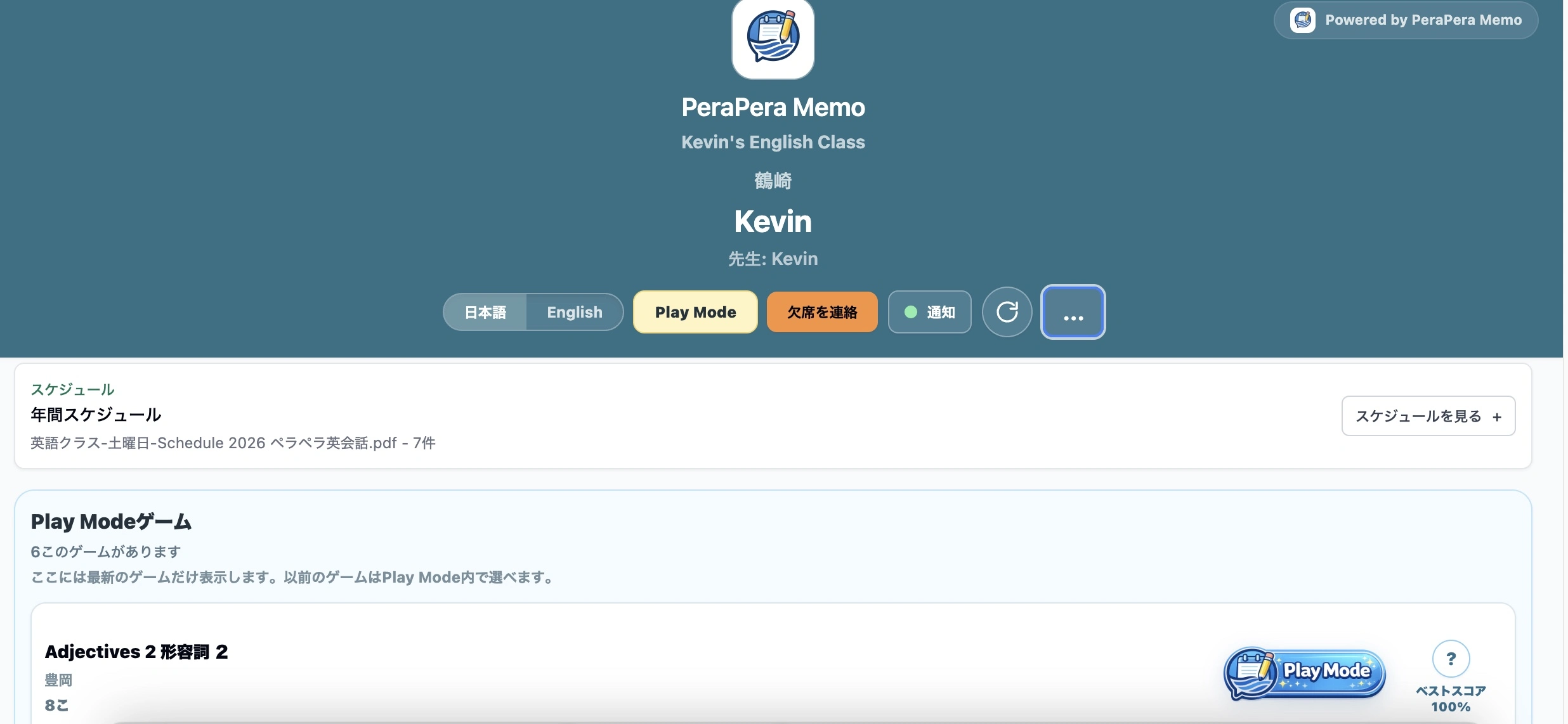
PeraPera Memo student Play Mode game list
Students open teacher-assigned Play Mode games from their private link.Tap to enlarge
PeraPera Memo Play Mode quiz screen
Quiz turns words and pictures into quick choice practice.Tap to enlarge
PeraPera Memo Play Mode speaking screen
Speaking practice lets students listen, repeat, and record.Tap to enlarge
PeraPera Memo Play Mode flashcards screen
Flashcards support picture, phrase, and audio review.Tap to enlarge
PeraPera Memo Play Mode memory match screen
Memory Match adds a fast picture-pair review game.Tap to enlarge

Built for the week between lessons

Every feature helps teachers turn classwork into clear, repeatable review—whether you teach independently, tutor small groups, or run a school.

📋

Lesson recap timeline

A single rolling stream of covered material, homework, and notes — organized per student group, always up to date.

Homework tracking

Set assignments with due dates and mark completion. Students always know exactly what to focus on next.

🗓️

Absence notes

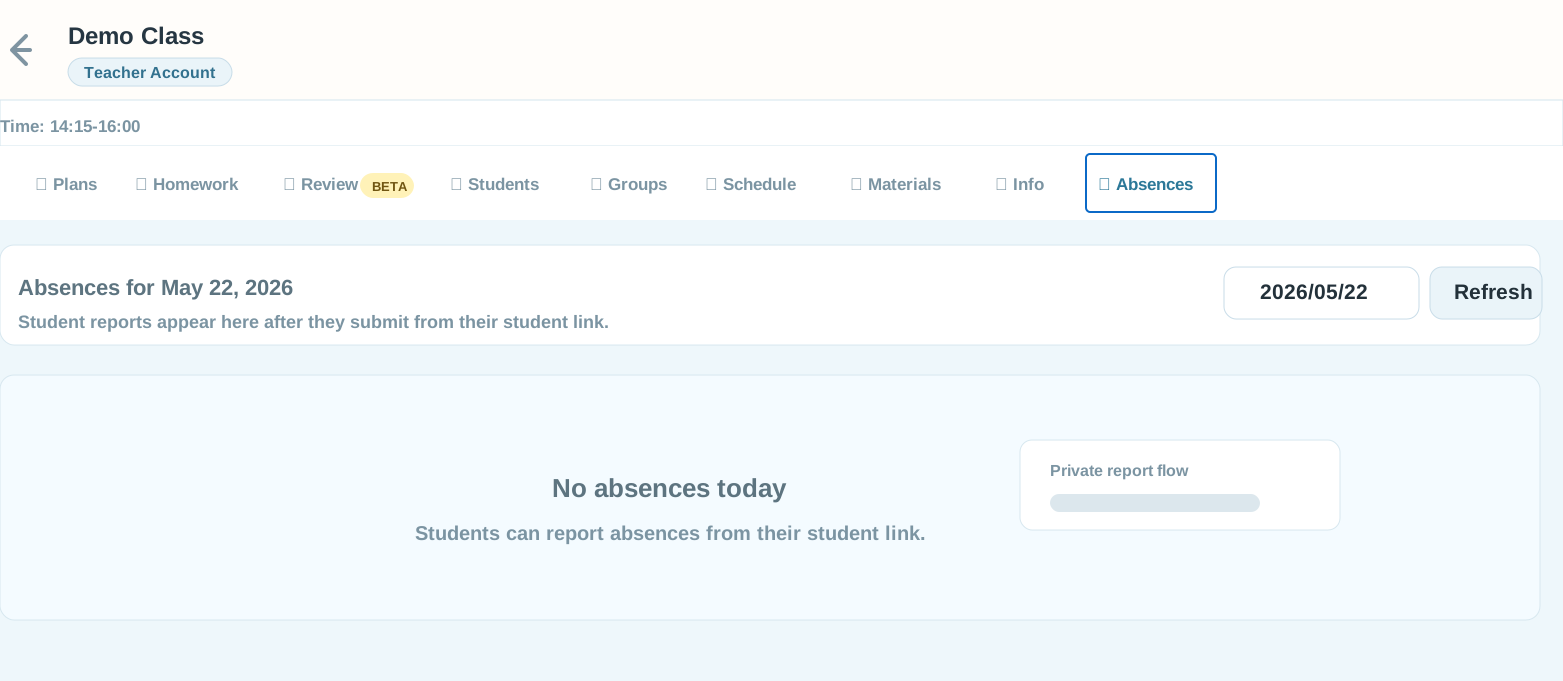
Log and share absence updates automatically. Families see what was missed without you sending a separate message.

📎

Rich attachments

Attach audio clips, images, PDFs, or links to reinforce pronunciation, review drills, and supplementary material.

🗓️

Yearly schedule

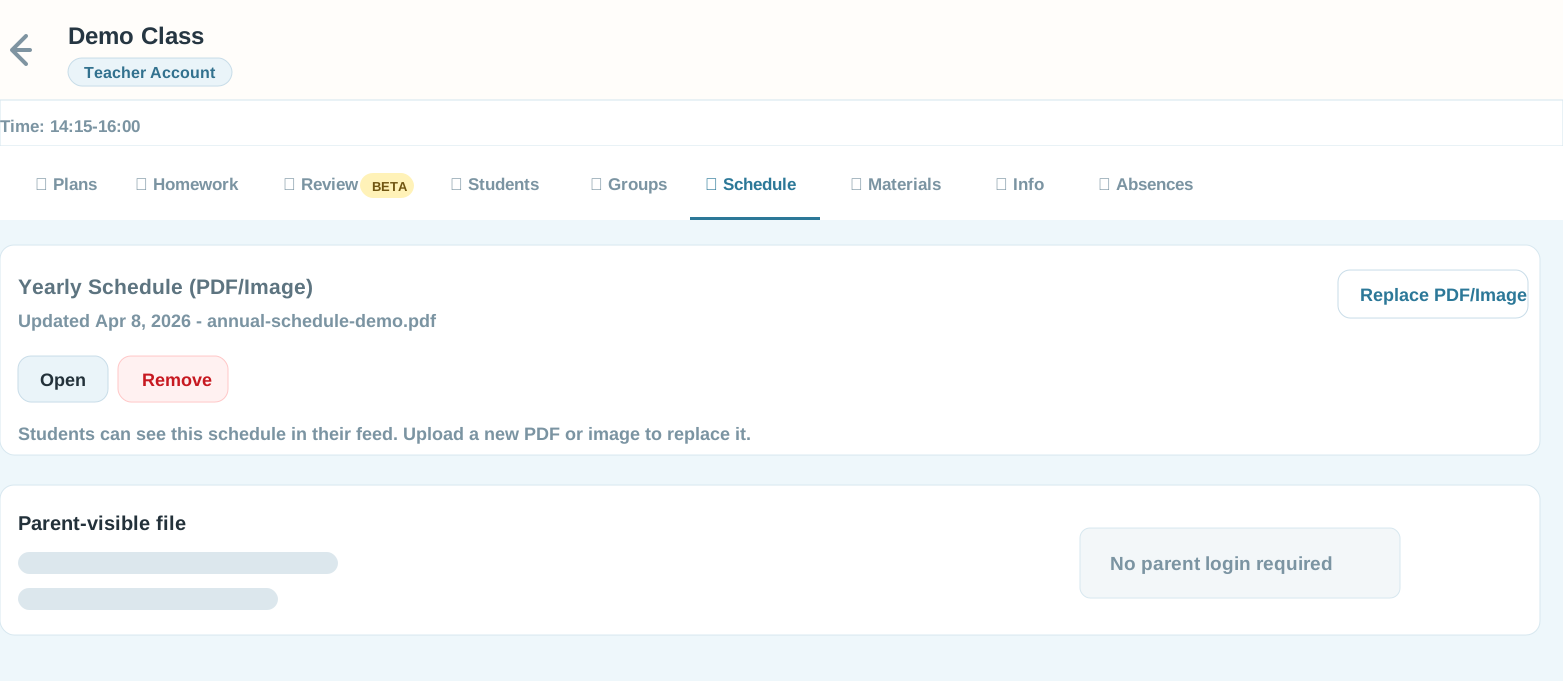
Upload a PDF or image schedule once and keep the full year visible for parents and students.

🔔

LINE notifications

Optional LINE integration sends homework reminders directly to students or families where they already check messages.

🔒

No student login needed

Each student gets a private, shareable link they can bookmark—no passwords, accounts, or app installation.

Straightforward plans for every school size

Choose by the first limit you reach: active students, staff accounts, or locations.

One predictable monthly price. No per-student charges.

Loading current plan availability…

All prices show the monthly price before tax and the tax-inclusive total. LINE and AI allowances are monthly fair-use limits. The first limit reached determines plan eligibility. External LINE fees, setup, migration, and custom development are separate.

Frequently asked questions

Quick answers for independent teachers, tutors, and schools getting started.

You can try the platform before committing. Set up your classes and test a few lesson entries to see how it fits your teaching workflow.
Founder availability is checked live. It is ¥5,000 before tax (¥5,500 total) for eligible schools with up to 200 active students, and the rate stays locked while continuously subscribed.
Yes. Founder includes up to 5 teacher/admin accounts. Each teacher logs in separately and manages their own classes, while the school owner has an overview of everything.
Independent teachers can use the same core workflow with their own classes and students. Founder covers up to 200 active students; larger teams or heavier usage can use one custom plan.
A custom build is a version of PeraPera Memo rebuilt with your school's branding, color scheme, logo, and any feature modifications you request. I collect your wishlist, write a fixed-price quote, and deliver a system that looks and feels like your own product.
No. Each student gets a private link they can bookmark on a phone or computer. It works like an app without installation, passwords, or an account. A parent can use the same link when appropriate.
Kevin — founder of PeraPera Memo
Kevin Founder, PeraPera Memo
"Good teaching doesn't stop at the classroom door."

I built PeraPera Memo because I kept watching the same pattern: a great lesson on Tuesday, then nothing until the following week. Students were not always sure what to review, forgot key material, and progress stalled.

The tool I wanted was simple—a fast way for any teacher to turn each lesson into clear review, practice, and homework students can use during the week. So I built it.

Talk to Kevin directly

Ready to keep students learning between lessons?

Tell me how you teach, how many students you support, and how they currently review. I’ll recommend the best fit and answer your questions directly.

LINE QR code for PeraPera Memo

Scan to add on LINE